> For the complete documentation index, see [llms.txt](https://docs.cwallet.com/llms.txt). Markdown versions of documentation pages are available by appending `.md` to page URLs; this page is available as [Markdown](https://docs.cwallet.com/cwallet-tools/cwallet-loan/cwallet-loan-how-to-get-started.md).
# Cwallet Loan: How to Get Started
Cwallet offers a user-friendly platform for obtaining low-interest loans using your cryptocurrency as collateral. Here's how to use the Cwallet loan service:
**Step 1: Access the Loan Service**
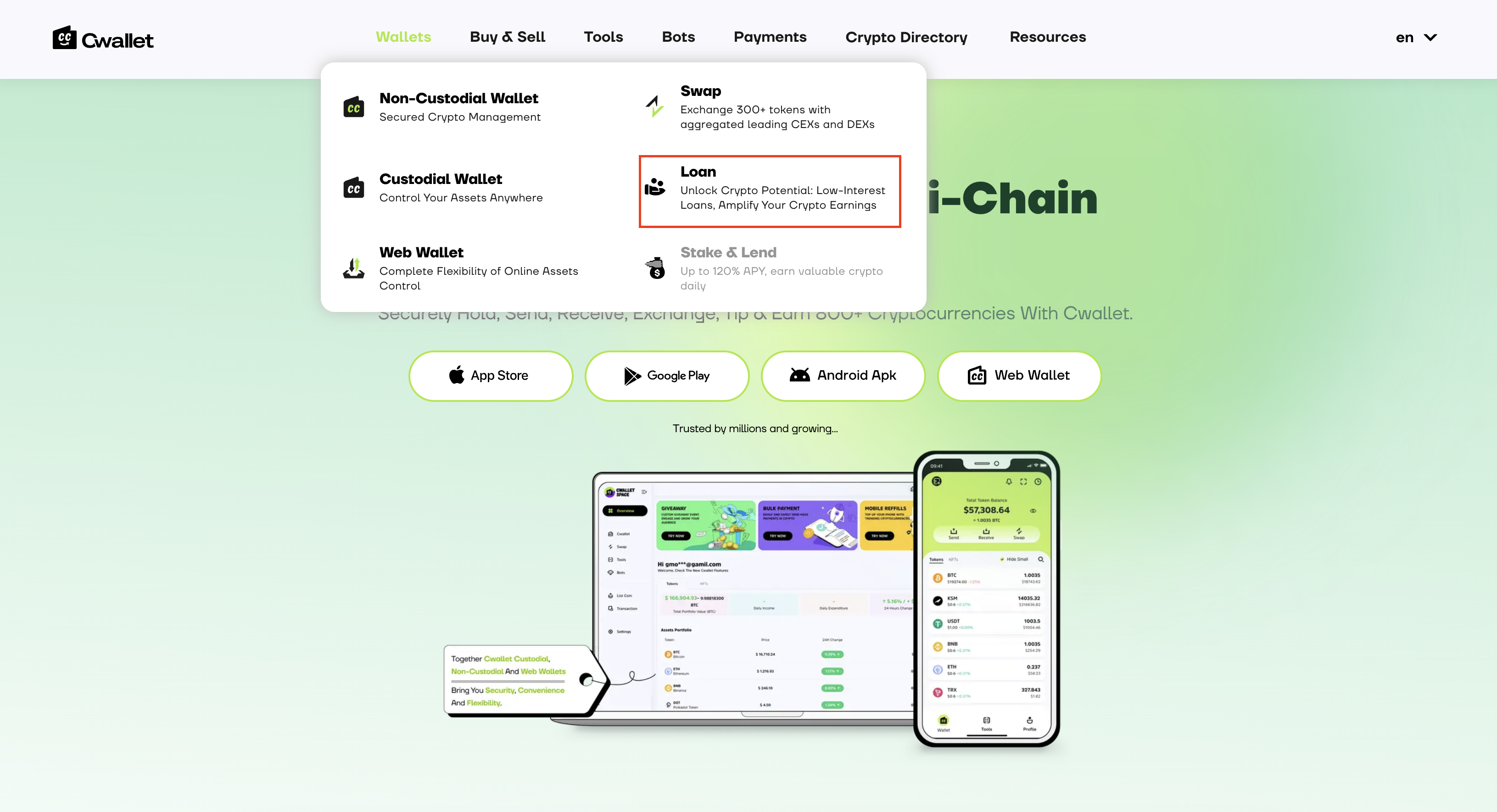
* Open the Cwallet website and log in to your account.
* Navigate to the 'Loan' section from the main menu.
**Step 2: Apply for a Loan**
* In the 'Loan' section, you'll find options for the type of loan you want to take out. Choose 'Fixed Rate' to lock in the interest rate throughout the term of your loan.
* Enter the loan amount you require in the 'Loan Amount' field.
**Step 3: Collateral Set Up**
* Once you've entered the loan amount, Cwallet automatically calculates and sets the required amount of collateral based on the current value of your chosen cryptocurrency.
**Step 4: Review and Confirm**
* Review the estimated Annual Percentage Rate (APR) and ensure it meets your expectations.
* Click on the 'Start Borrowing' button to proceed.
**Step 5: Completing the Loan Process**
* Cwallet will then guide you through the process of depositing your collateral.
* Follow the on-screen instructions to deposit the specified cryptocurrency into your Cwallet.
* Once the deposit is confirmed, Cwallet will disburse the loan amount to your account.
**Step 6: Managing Your Loan**
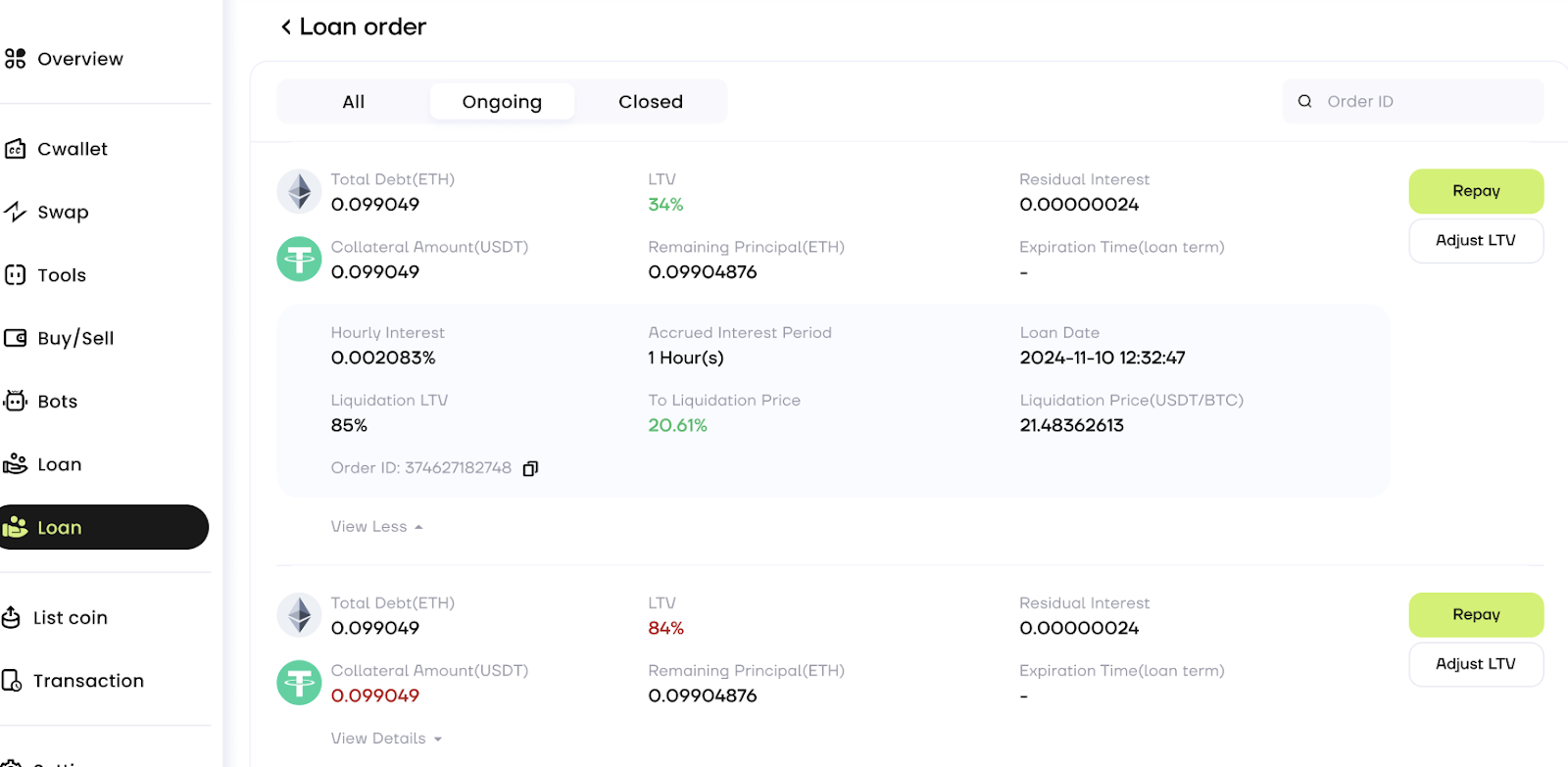
* You can monitor your loan status and view repayment options in your Cwallet dashboard.
* Make repayments at your convenience or according to the repayment schedule provided by Cwallet.
Step 6: Redeeming Your Collateral
* After you have repaid the loan in full, you can redeem your collateral.
* Go to the loan section and select 'Redeem Collateral'.
* Confirm the action and the collateral will be unlocked and transferred back to your wallet.
{% hint style="info" %}
Cwallet is offering a 3-day grace period for repayment of overdue transactions. You need to pay 250% interest every day. All assets will be liquidated if the overdue transactions are not settled within this grace period.
{% endhint %}