> For the complete documentation index, see [llms.txt](https://docs.cwallet.com/llms.txt). Markdown versions of documentation pages are available by appending `.md` to page URLs; this page is available as [Markdown](https://docs.cwallet.com/cwallet-bots/cwallet-bot-on-discord/subscription-role/how-to-subscribe-a-role.md).
# How to Subscribe a Role
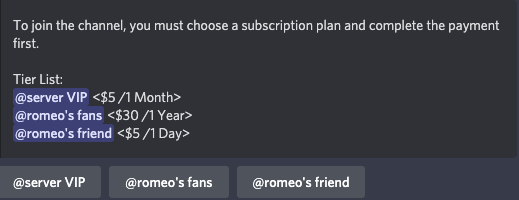
**1.** Visit Discord sever, send **/buy role** in a channel. When the bot responds with all subscribed roles, click the role button to proceed.
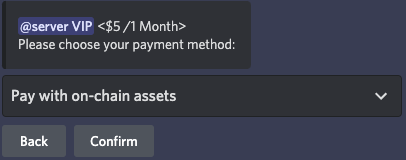
**2.** Select a payment method followed by the button Confirm.
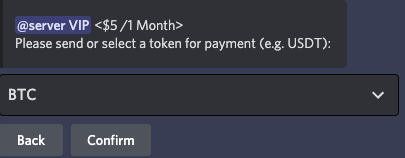
**3.** Select a token for the payment method.
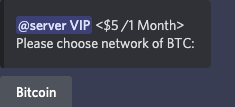
**4.** Select a network of the token.
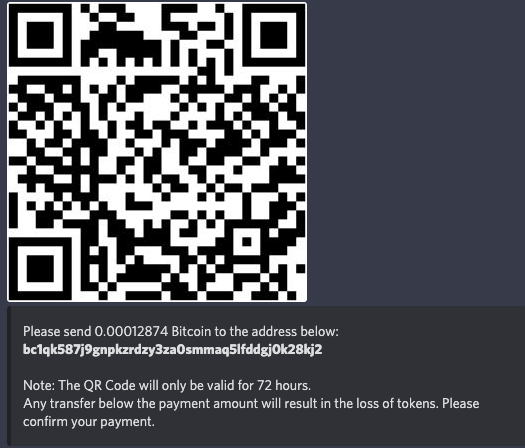
**5.** The payment can be made through scanning the QR code or pasting the address into your crypto wallet.
As soon as the transaction is successfully completed, the bot will inform you that you have successfully subscribed.