> For the complete documentation index, see [llms.txt](https://docs.cwallet.com/llms.txt). Markdown versions of documentation pages are available by appending `.md` to page URLs; this page is available as [Markdown](https://docs.cwallet.com/crypto-deposit-and-withdraw/withdraw/how-to-withdraw-via-lightning-network.md).
# How to Withdraw via Lightning Network
Withdrawing via Lightning Network, simply paste a valid Lightning Invoice provided by the recipient. The system will automatically detect the amount and destination.
**Here is a guide on withdrawing via the lightning network:**
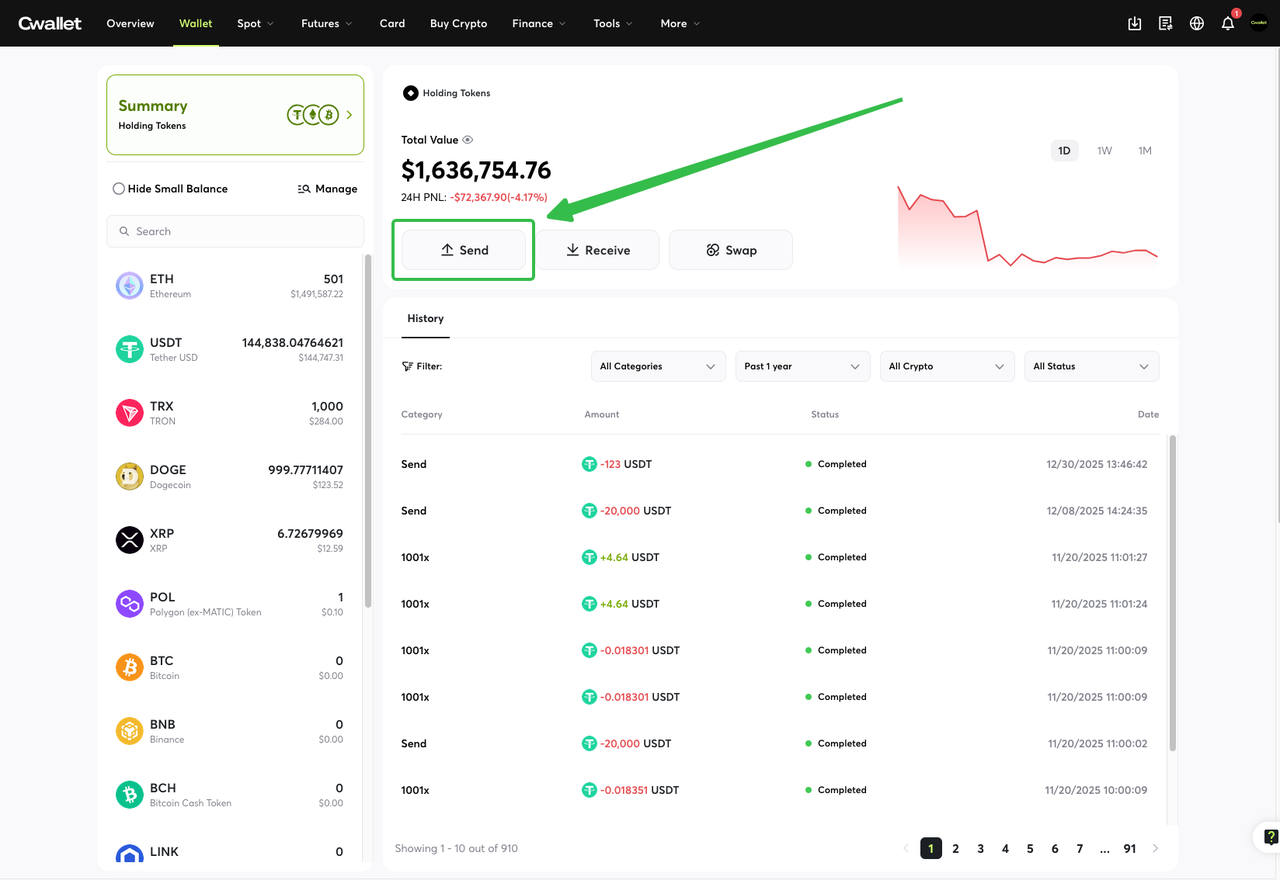
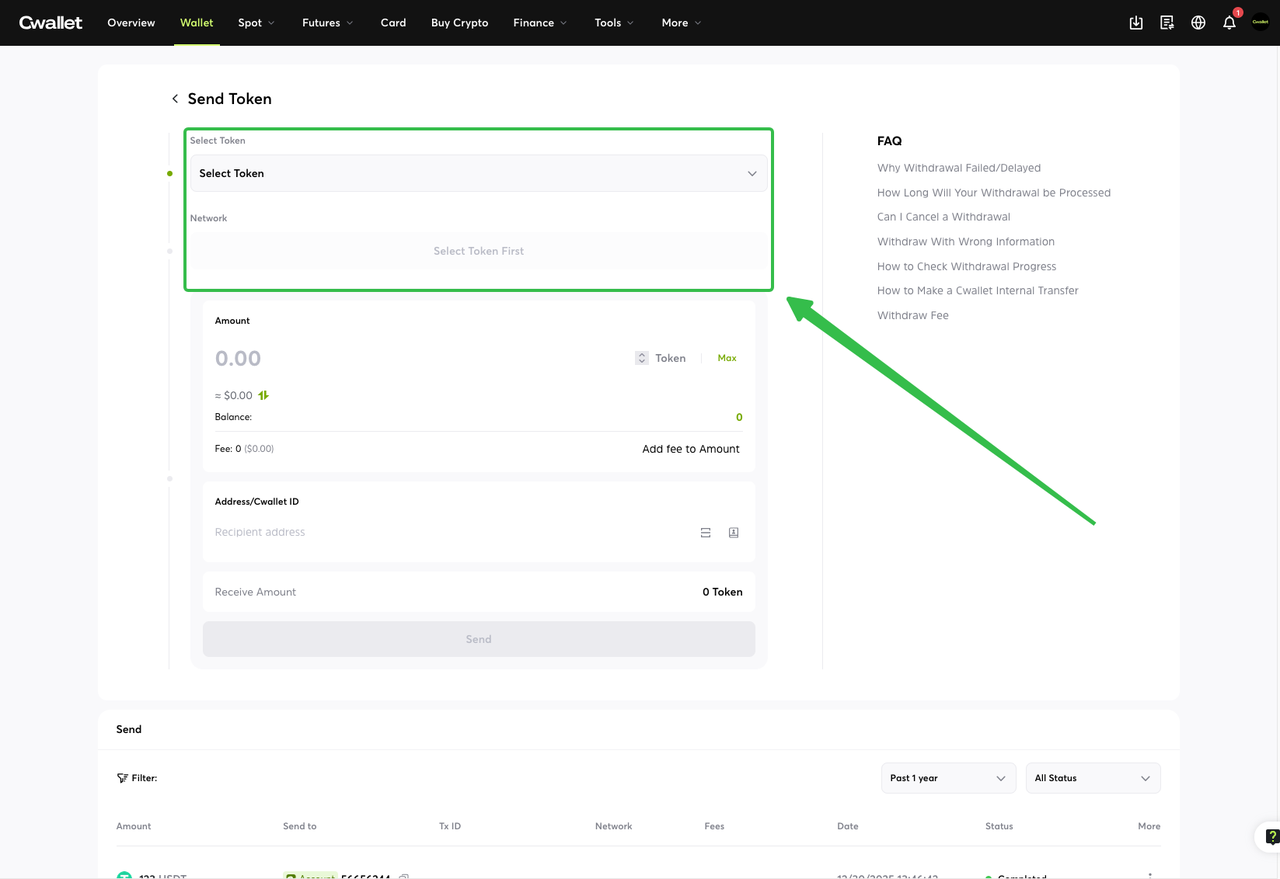
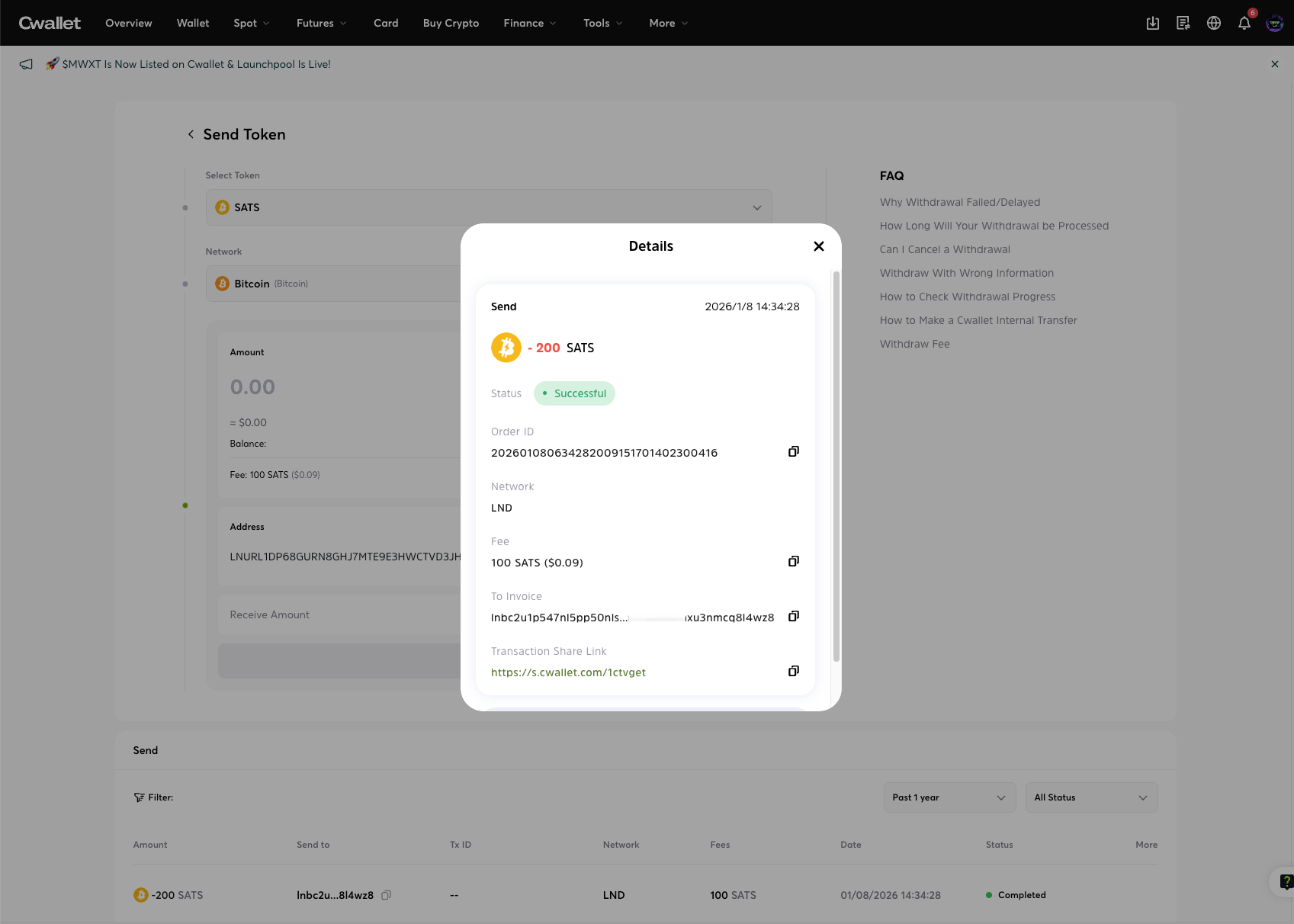
Navigate to '**Send**' and select crypto and network.
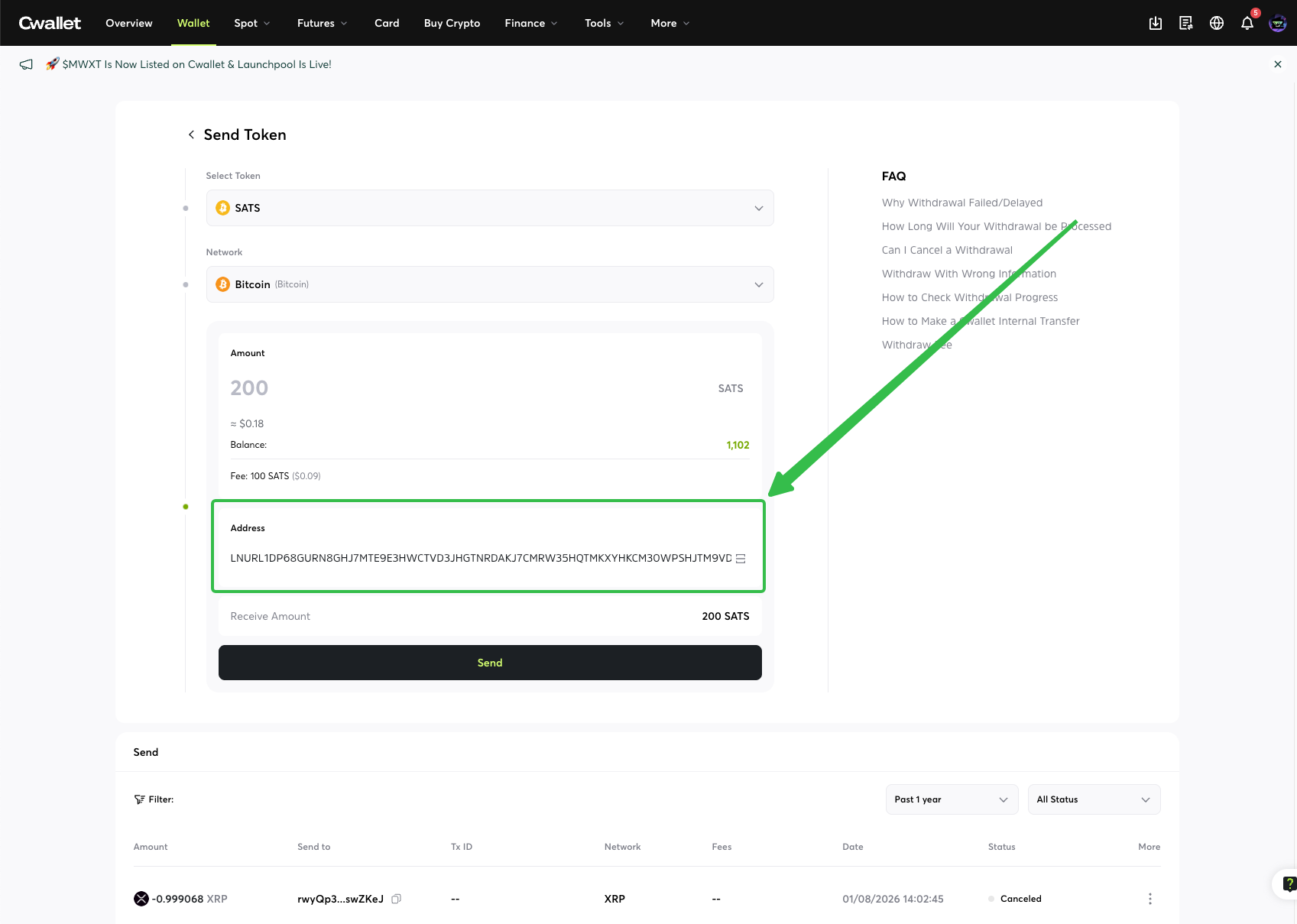
Enter the invoice/address, and the system will automatically detect the amount and destination.
**⚠️ NOTE:** The withdrawal amount must be greater than the gas fee.
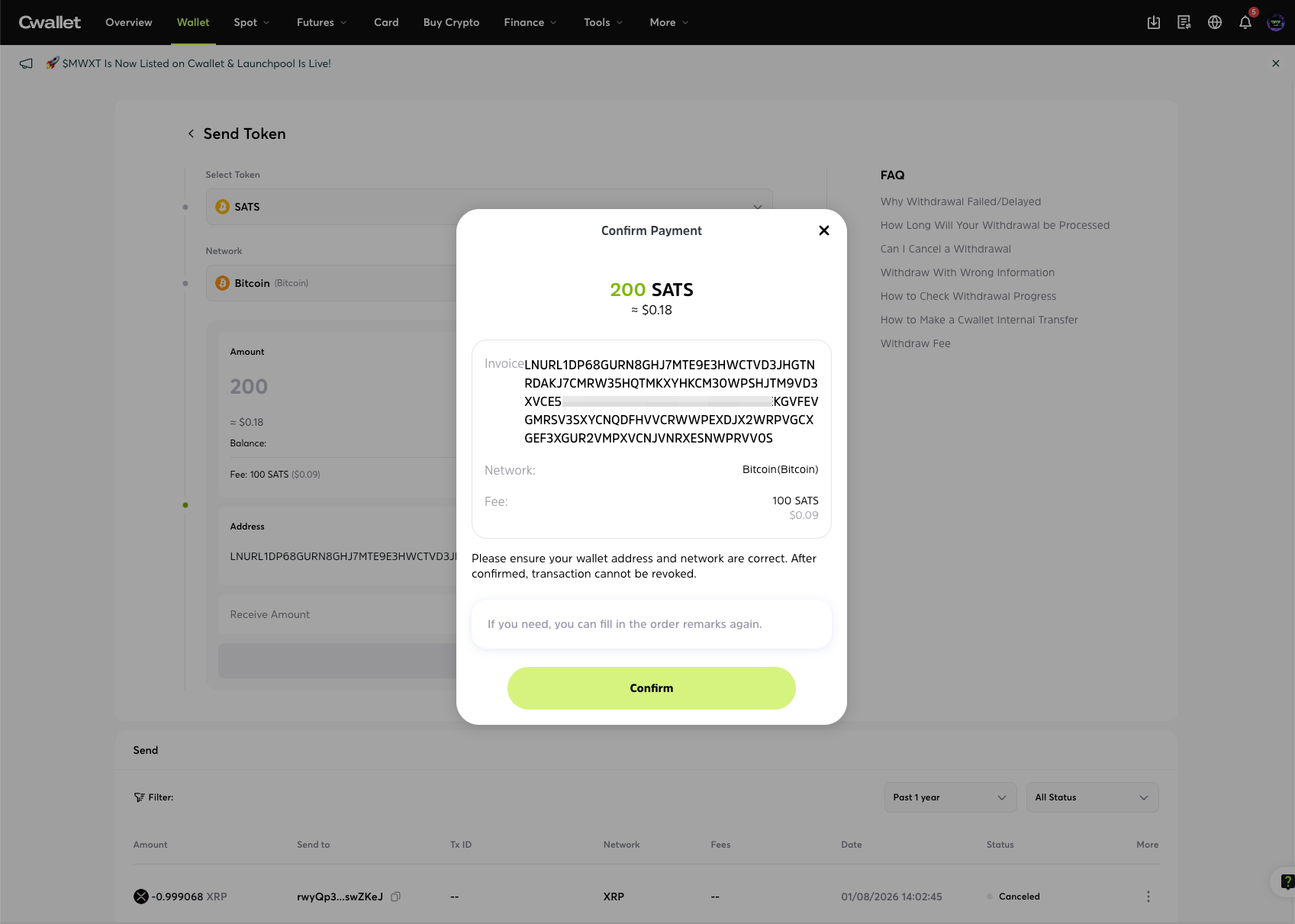
You can also check all the information here to ensure you have put the correct invoice, and you also need to make sure the amount is correct. After checking, click the '**Send**' button and confirm it.