> For the complete documentation index, see [llms.txt](https://docs.cwallet.com/llms.txt). Markdown versions of documentation pages are available by appending `.md` to page URLs; this page is available as [Markdown](https://docs.cwallet.com/crypto-deposit-and-withdraw/deposit/how-to-change-deposit-address.md).
# How to Change Deposit Address
For privacy-conscious users, you can refresh your deposit address.
**Here is a guide on changing the deposit address:**
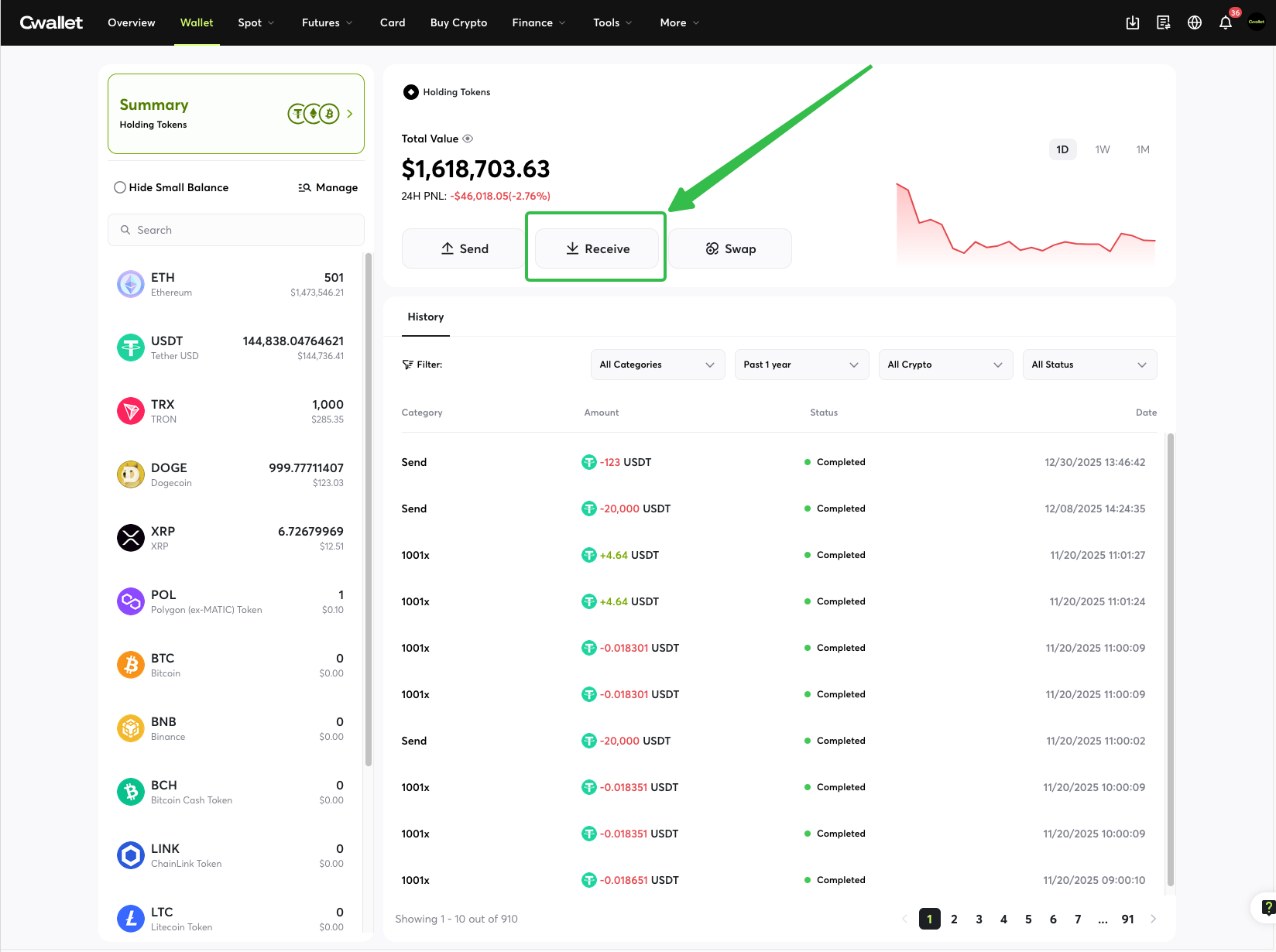
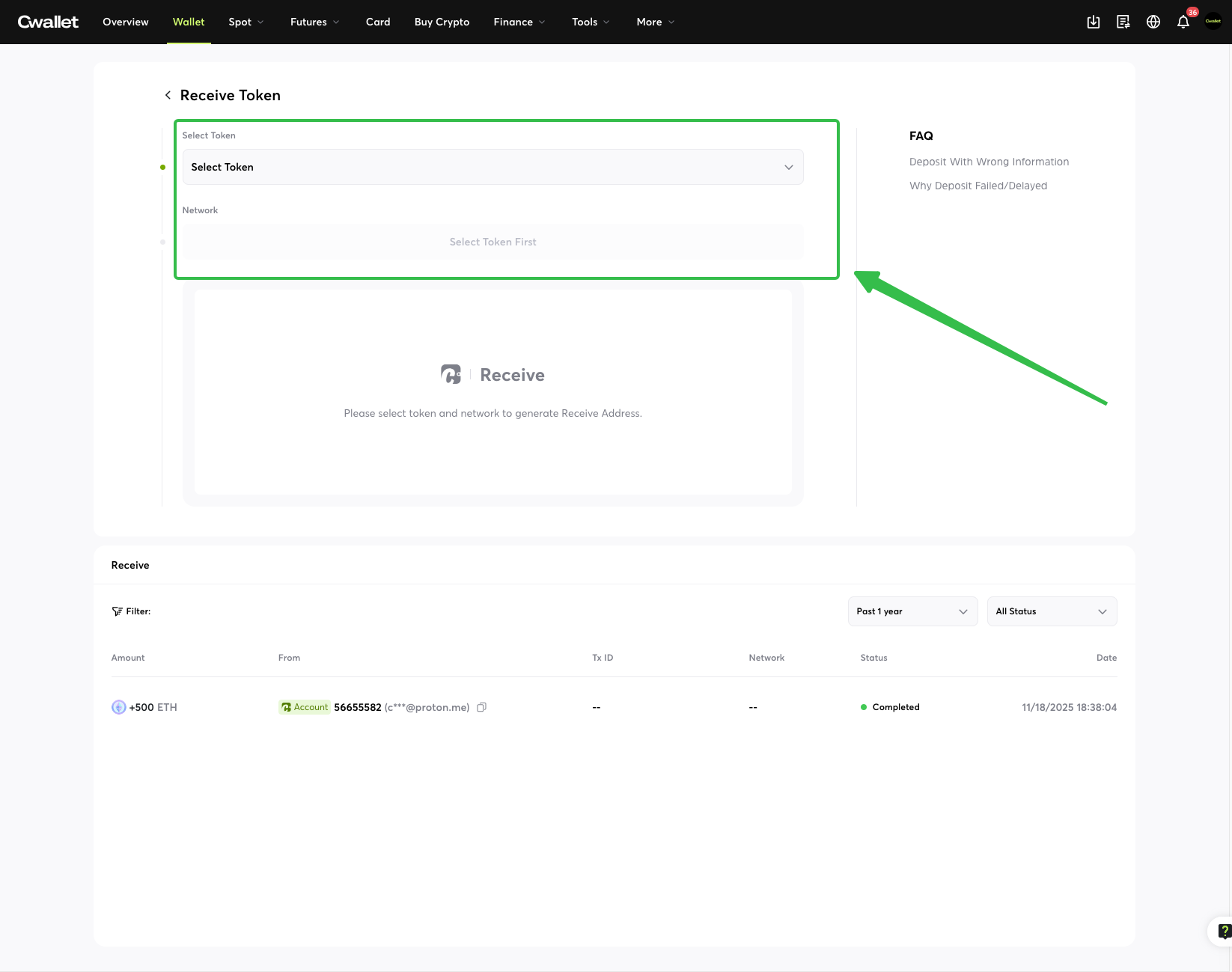
Navigate to '**Receive**' and select the crypto and network that you want to change the receive address.
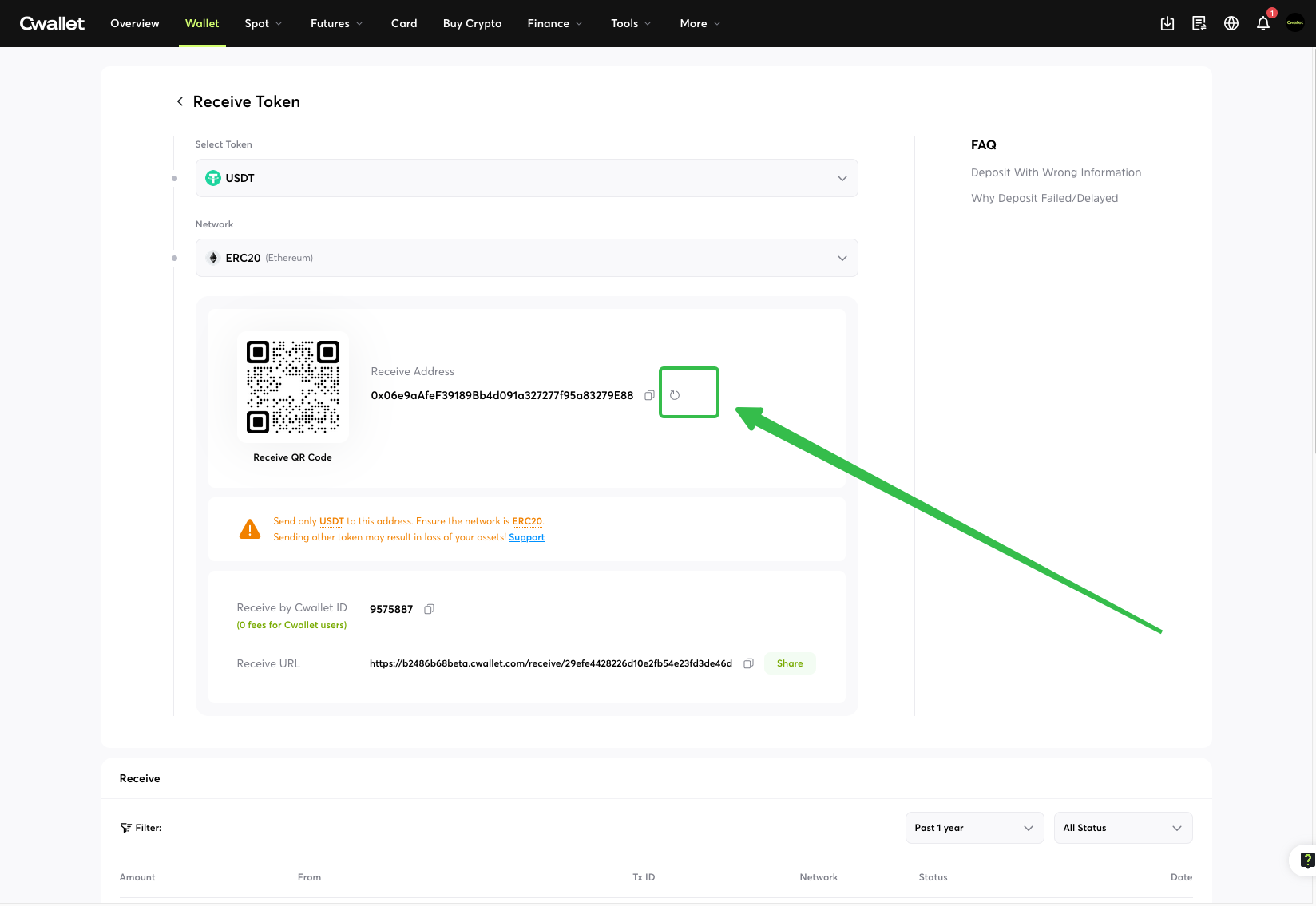
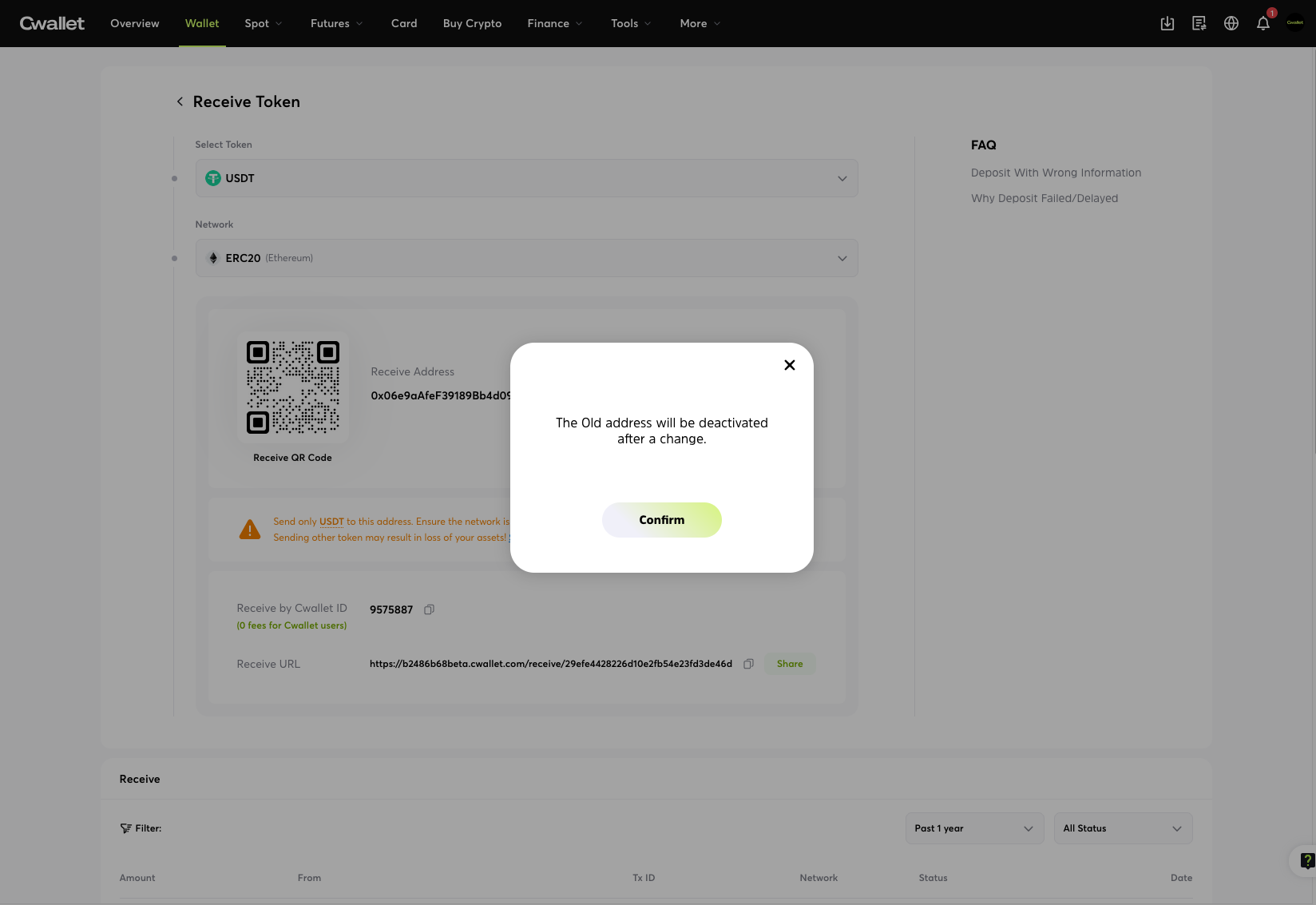
Click the refresh icon on the page to confirm and generate a new address.
**⚠️ Note:** Changing your address does not invalidate the old one. Funds sent to your previous addresses will still safely arrive in your account, but you cannot revert the interface to display the old address again.