> For the complete documentation index, see [llms.txt](https://docs.cwallet.com/llms.txt). Markdown versions of documentation pages are available by appending `.md` to page URLs; this page is available as [Markdown](https://docs.cwallet.com/crypto-deposit-and-withdraw/custodial-wallet/withdrawal/withdraw-via-lightning-network.md).
# Withdraw via Lightning Network
Lightning Network is a secure network of participants which supports transact at high volume and high speed.
Lightning Network is a secure network of participants which supports transact at high volume and high speed. The following features make it the most user-friendly:
**Instant Payment:**
Lightning-fast blockchain payments without worrying about block confirmation times.
**Lower Cost:**
By transacting and settling off-blockchain, the Lightning Network allows for exceptionally low fees, which allows for emerging use cases such as instant micro-payments.
## **How to withdraw via Lightning Network**
**Method 1:** Withdraw on Cwallet app/website
**Method** **2:** Withdraw through Cwallet bot on Telegram
### **Method 1:** Withdraw Crypto on Cwallet app/website
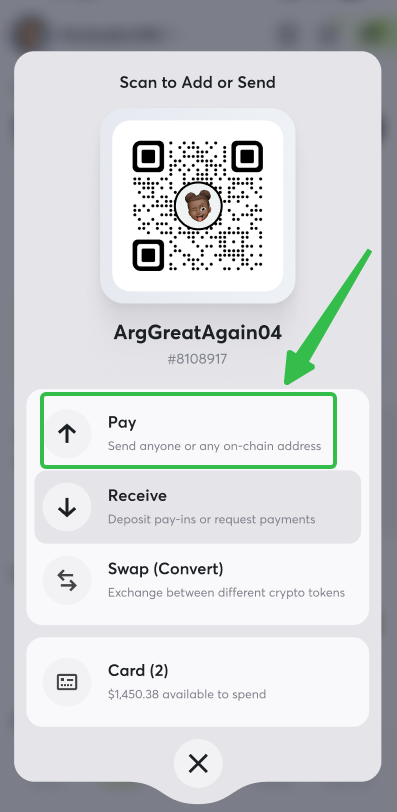
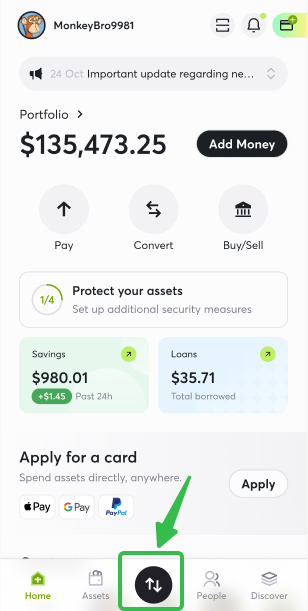
**1.** Visit Cwallet and navigate to the page **Wallet,** locate and tap **Send.**
**2.** Select **Satoshi** **(SATS)** on the list
Alternatively, you can scan the QR code on your crypto wallet using Cwallet or copy and paste the invoice of your SATS address to this page.
Enter the withdrawal amount, and click **Review and pay** to start the withdrawal.
**3.** By clicking the **Send Now** button, you will be able to view the specific information and status of the withdrawal.
### **Method** **2:** Withdrawal through Cwallet bot on Telegram
**1.** Direct message to [@Cwallet\_com\_Bot](https://t.me/cwallet_com_bot) with the withdrawal command on Telegram.
For example, send a direct message to [@Cwallet\_com\_Bot](https://t.me/cwallet_com_bot) in Telegram with the command:
**/withdraw 100 sats lnbc1p3tz7vppp5zme9cuw3fvakld5hk932yxpqy6jnfgwef0wag5jzqz3nermd95xsdqu2askcmr9wssx7e3q2dshgmmndp5scqzpgxqyz5vqsp5y7x4x70hefrjal36yna2nnq8y0ju0a5ehtvn84pzkw4qu2e6wf3s9qyyssqm2u0y28tsqsrk9npx4aj79mfkjyusm0hdv9mnck62xdky8sdhfz44gwf4q6a7m7f6lw5lcpuzknxnj4yw30gwaez9wjttel99xde3xsprw4pa6.**

Command format: /withdraw Amount TokenName WithdrawalInvoice
Cwallet bot will response with a message confirming the withdrawal.\
You may check the withdrawal process and status on this page.
First, you will see the order is processing.

Then you will see the order completes and the assets have been sent to the destination address.