> For the complete documentation index, see [llms.txt](https://docs.cwallet.com/llms.txt). Markdown versions of documentation pages are available by appending `.md` to page URLs; this page is available as [Markdown](https://docs.cwallet.com/account/how-to-create-an-account.md).
# How to Create an Account?
Setting up your Cwallet account is fast and straightforward, requiring only a few minutes.
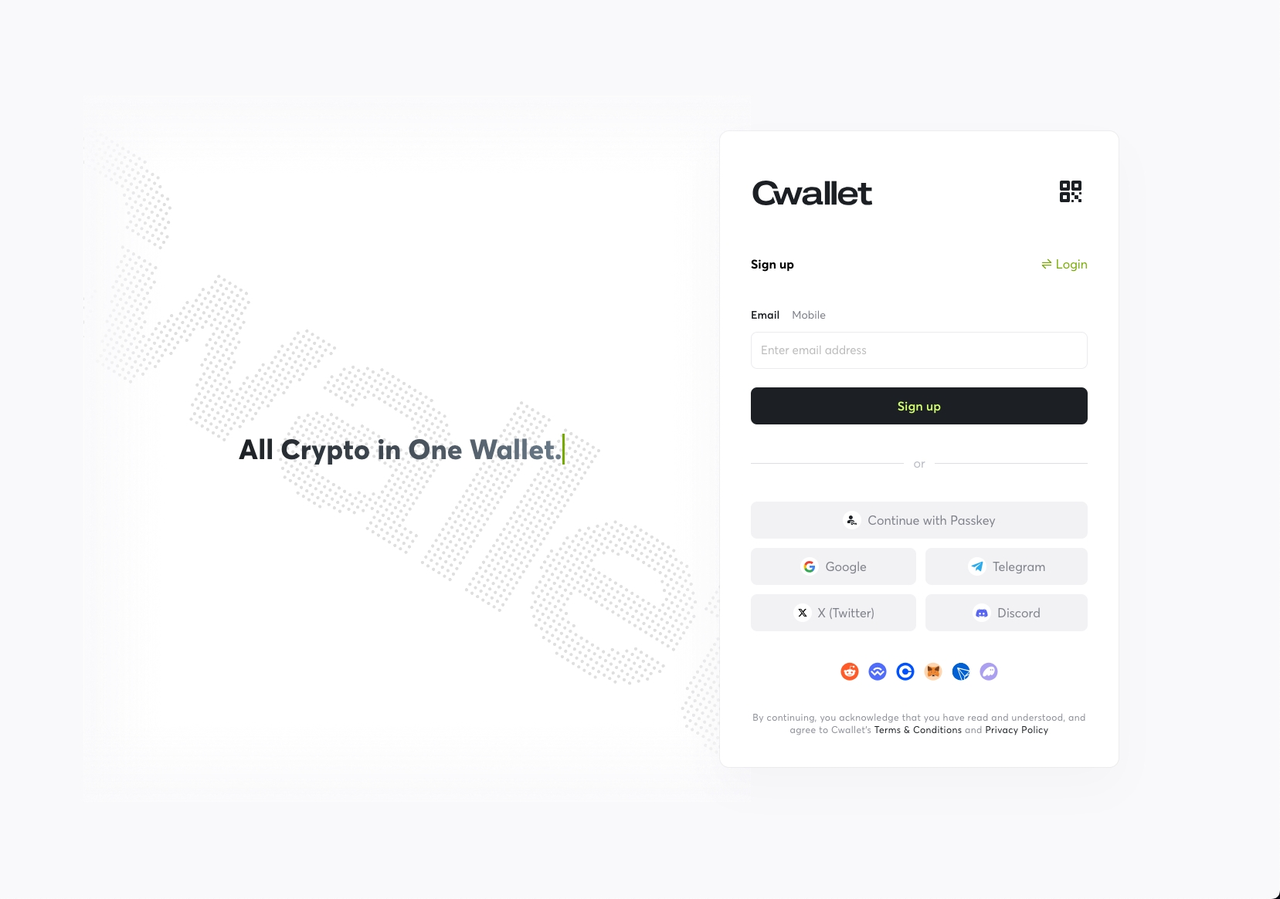
To begin your journey, you will need either a valid email address, a phone number, or any social media accounts that we support.
### **Email/Phone Number**
If you choose the email or phone number to create a Cwallet account, you will need to receive an OTP to complete the sign-up process.
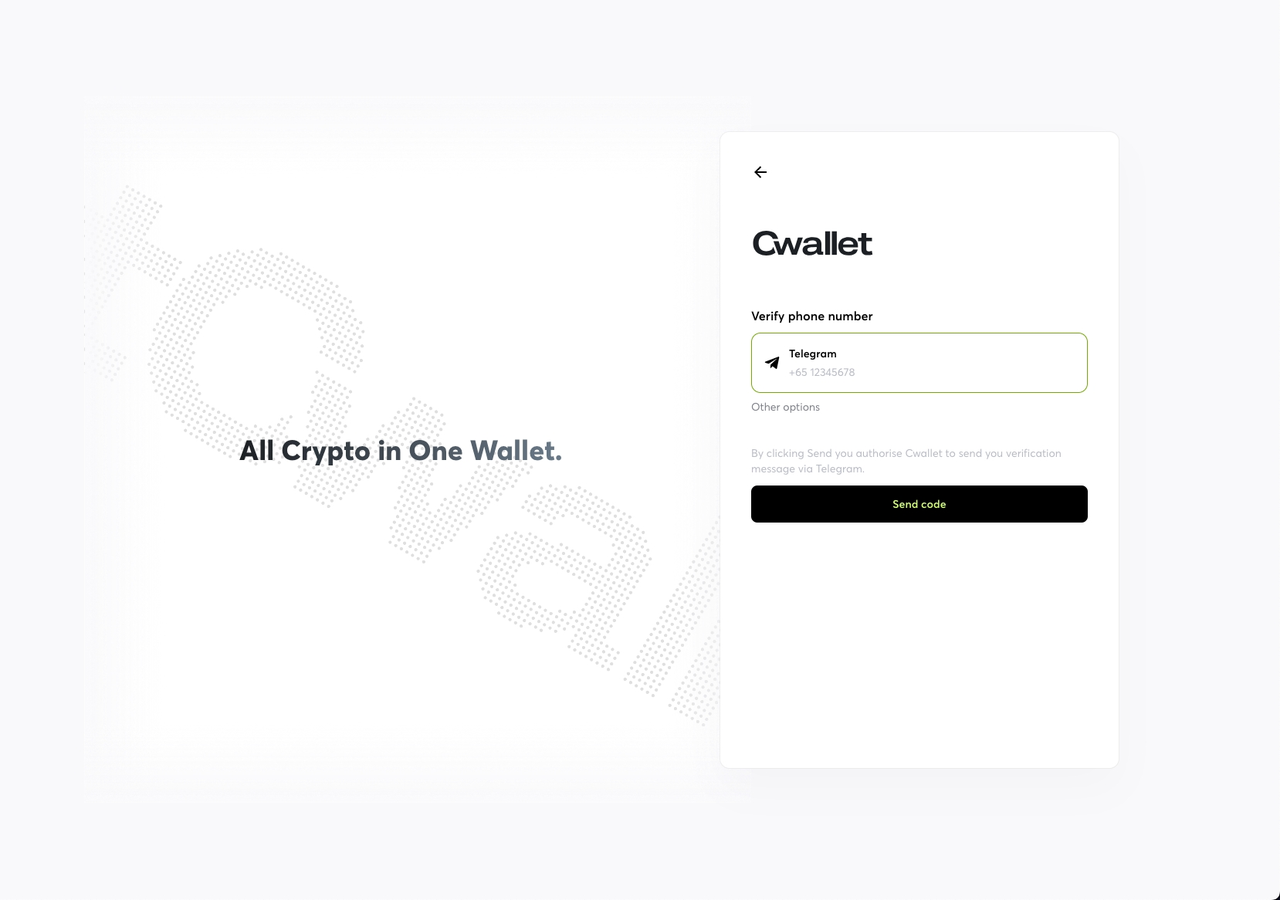
And, if you can't receive the OTP from your phone number, you can kindly choose to verify it via your Telegram account.
⚠️ **Critical Reminder:** The mobile number used by the Telegram account must be the same as the mobile number you are trying to sign up for the Cwallet account now, and your Telegram account must be in a logged-in state.
### **Social Platform**
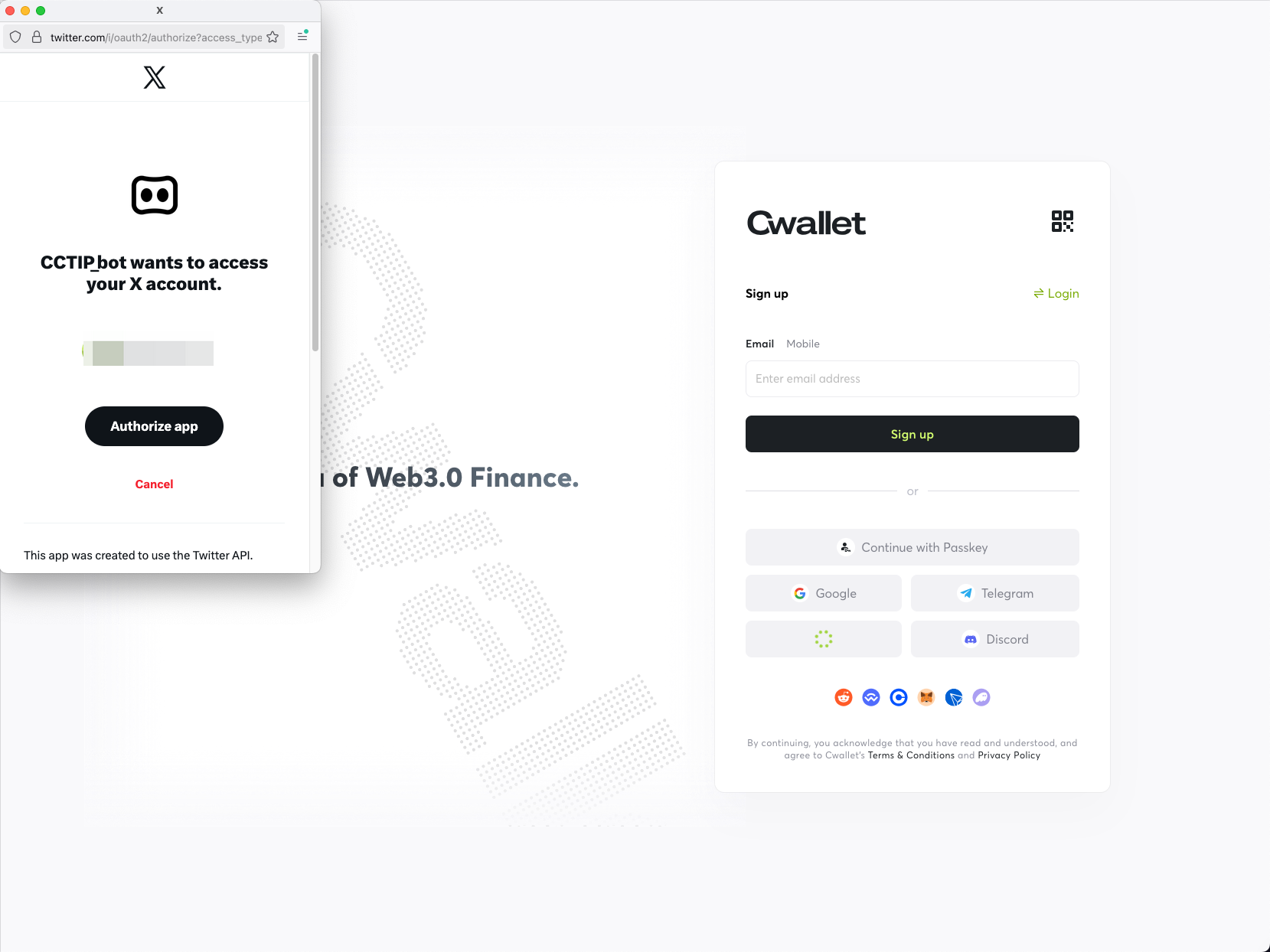
If you choose a social media account to create a Cwallet account, you just need to authorize/confirm it from the social media platform.
**⚠️ Note:** One social media account can only create one Cwallet account.
⚠️ **Important Note:** If you have used the Cwallet Telegram Bot before, like receiving tips, airdrops, or other functions, then the system has already created an account for you.
The most important step is to set a login password, which should be between 8 and 20 characters.
You are almost done with all the steps now.
If you are invited by your friend, you can use their invite code. It will bring unexpected rewards, but it is an optional part. You can just skip it and start your Cwallet trip immediately.